
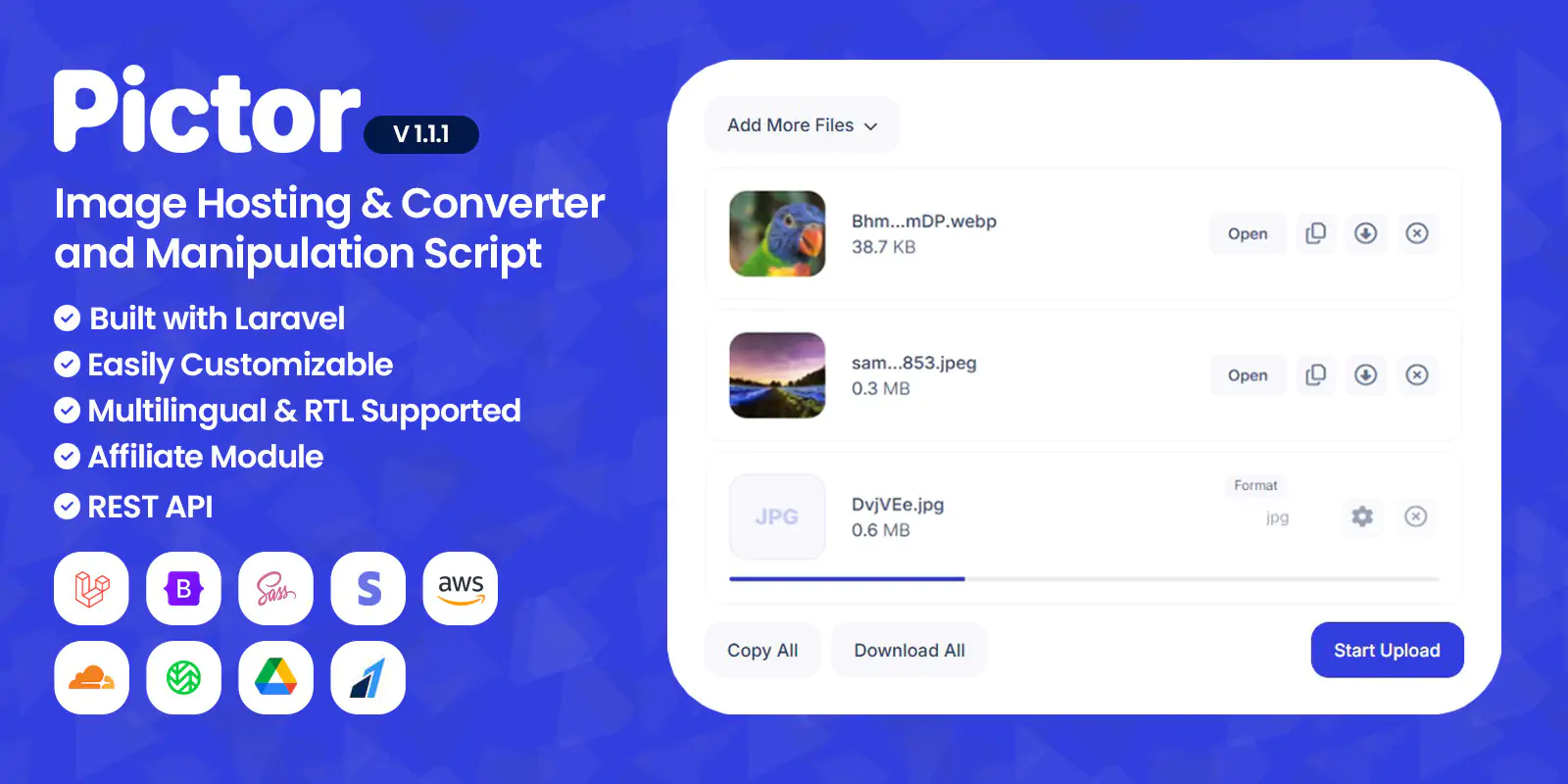

Pictor is an advanced, responsive and modern script for image hosting and manipulator coded with Laravel 11 and Vanilla JS. It is easily customizable with page builder and widgets. The seo settings of each page can be adjusted. All PHP codes are written in accordance with PSR standards. HTML codes have been tested in W3C validator. CSS files are created with SASS.
By default, 11 different image formats can be uploaded. These formats are; APNG, AVIF, BMP, GIF, ICO, JPE, JPEG, JPG, PNG, WEBP, HEIC
The script is multilingual and supports RTL.
There are 6 different storages in the script; local, Amazon S3, Cloudflare R2, Wasabi, FTP and Google Drive.
Demo
Password protected file preview page (Pass: 123)
Admin Account
Email: admin@pictor.com
Password: 123123123
User Account
Email: user@pictor.com
Password: 123123123
Image Converter
You can convert the images you upload into different formats. By default, images can be converted to 25 different formats. This number may vary depending on what your server supports. These formats are; APNG, AVIF, BMP, CUR, DDS, DIB, EPS, GIF, HDR, HEIC, ICO, JP2, JPE, JPEG, JPG, PDF, PNG, PPM, PSD, RAW, SVG, TGA, TIFF, WBMP, WEBP.
Image Compressor
You can compress images and reduce their size. This process may reduce the quality of the image.
Image Resizer
You can change the dimensions (width and height) of the image.
Image Rotate & Reflect
You can rotate and reflect the image at any angle you want.
Watermark
You can add any text you want to the image as watermark.
Image Preferences
You can edit the preferences of the image. Preferences are; brightness, contrast, gamma, red, green, blue.
Image Effects
You can add effects to the image. Effects are; grayscale, blur, invert colors, pixelation, reduce colors.
Auto Remove
With the auto remove feature, the image you upload is automatically deleted after a certain time. For example, if you choose 1 week, the image you uploaded will be deleted after 1 week.
Password Protection
You can put a password on the images you upload. In this way, only those who know the password can view the images.
Exif Remover
EXIF file holds all the information about the image itself — such as the exposure level, where you took the photo, and any settings you used. You can delete this data and make the photo anonymous with exif remover.
Warning: In order for the script to run, the required extensions must be installed on your server. You can contact us and ask questions before purchasing the script. We do not provide free support for the installation of extensions on your server.
Berlangganan untuk mengakses unduhan tema, video, grafik, plugin, dan aset premium lainnya tanpa batas untuk kebutuhan kreatif Anda.
Last Update:
Mei 04, 2026 12:00 siang
Published:
Mei 03, 2026 02:08 pagi
Version:
v1.1.1
Category:
High Resolution:
YesFiles Included:
Frameworks:


